Ragdoll Experiment Spatial Voice Chat Guide
Use proximity voice without wrecking fights or new-player sessions in LUMPYCRAIGONIAN’s sandbox.
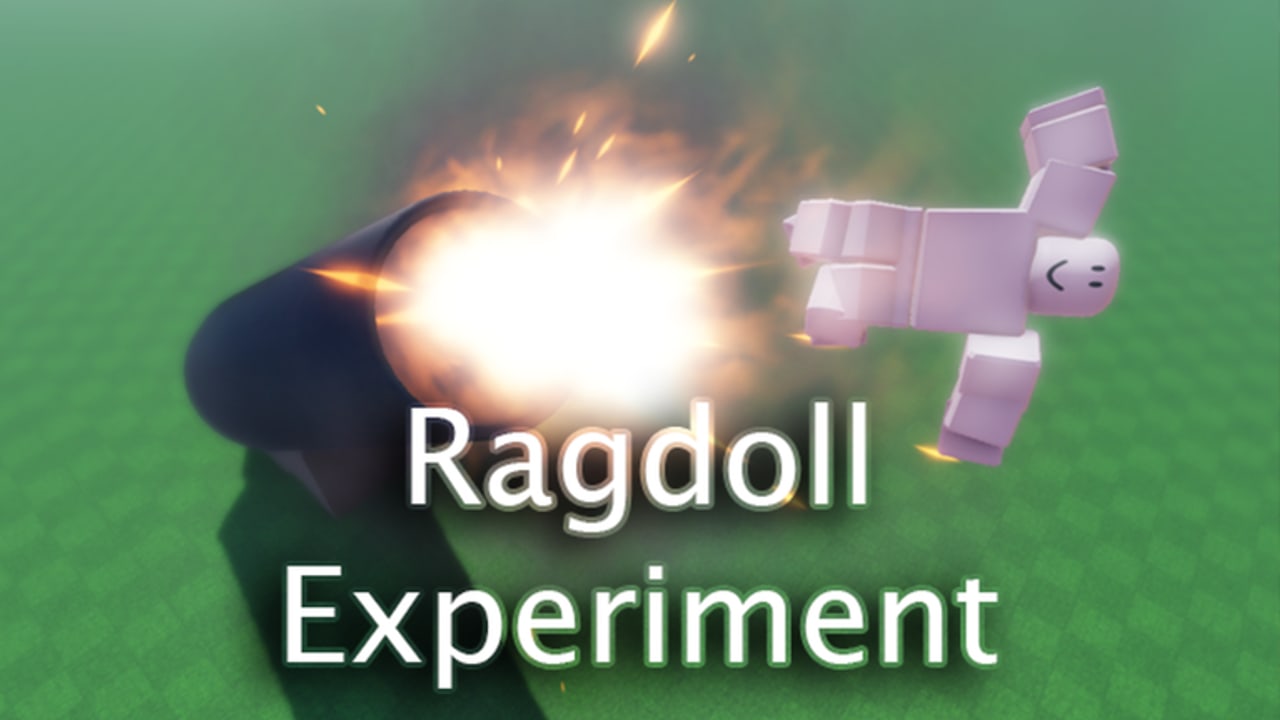
Ragdoll Experiment enables Spatial Voice Chat on Roblox. In a max-25 player sandbox with ragdoll PVP and obstacles, voice can coordinate practice—or ruin a lobby in seconds. This guide covers setup, etiquette, useful callouts, and silent-play options for the LUMPYCRAIGONIAN place (7991454523 / universe 3085292996). Pair it with Players for social types and PVP & Combat for fight rules.
Voice is optional. You can enjoy Controls, Mobile Play, and obstacle lines with speakers muted.
What “spatial” means here
Spatial voice mixes people by proximity. Players near you sound louder; distant scrapes fade. That fits obstacle clusters: a duo practicing a ramp can talk without shouting across the whole map—until everyone piles onto the same prop.
Because servers are often quiet for this niche title, a single open mic can dominate the mix. Treat empty-ish rooms as studios: keep levels clean.
Setup before you spawn
- Enable voice in Roblox account / privacy settings if you want to speak.
- Test mic input level in Roblox settings so you are not clipping.
- Decide default mute: many players join muted, unmute only for a trusted duo.
- On mobile, use headphones when possible so game audio and voice do not feedback.
- Confirm you are in the real Ragdoll Experiment place—not a similarly named experience with different voice culture. See Similar Games.
If Roblox shows voice unavailable in your region or age settings, play silent. The sandbox does not gate ragdoll or sprint behind voice.
Etiquette that keeps lobbies alive
- Mute when AFK, eating, or watching another screen.
- Ask before stacking three players onto one newcomer for “fun.” Consent matters more when the player pool is small.
- No music blast into voice. It destroys spatial cues and gets people to leave.
- No harassment. Report through Roblox tools; hop servers if a room turns toxic.
- Keep callouts short during fights so people can still hear footsteps and impacts.
Good voice culture is part of why returning players stay in a low-traffic place.
Callouts that actually help
Useful phrases during practice or fair PVP:
- “Practicing the ramp—give us a minute.”
- “1v1 mid, third parties hold.”
- “Ragdolling the drop on three.”
- “Mobile player learning buttons—easy swings.”
- “Voice off after this round.”
Avoid spam screaming when someone wins a physics fluke. The whole joke of the game is chaotic landings; celebrate without ear damage.
Voice during PVP
Spatial voice is a tool, not a win condition.
- Coordinate resets after a good exchange instead of endless spawn pressure.
- Call obstacle ownership (“we’re on the movers”) so friendly fire pile-ons reduce.
- If you hear grief planning against a quiet player, opt out and say so.
- Remember keyboard and mobile players share the same room—do not mock input methods over voice.
Deepen fight structure on PVP & Combat and map lines on Obstacles.
Playing completely silent
Many sessions will have zero other speakers. That is normal given historical engagement (~9.5k visits class, often 0 concurrent). Silent play checklist:
- Mute mic and optionally voice output.
- Use empty servers as training rooms for ragdoll recoveries.
- Rely on movement reads instead of callouts.
- Still follow non-voice etiquette: no spawn camping, no baiting people into voids for content.
Silent players are first-class citizens here.
Troubleshooting
| Issue | What to try |
|---|---|
| Nobody hears you | Check Roblox voice enabled, mic permissions, unmute in-experience |
| You hear nobody | Voice output mute, device volume, spatial distance |
| Echo / feedback | Headphones; lower mic; mute when others talk |
| Voice “not supported” UI quirks | Platform settings change over time; verify in Roblox settings, not random Discord “fixes” |
| Toxic lobby | Mute all, report, switch servers |
Do not install “voice unlocker” executors. See Scripts for why injectors are a hard no on this wiki.
Updates and voice
Place-specific patches have been sparse (create 2021-11-14, notable window 2024-01-18—see Updates). Roblox platform voice changes can still alter your experience overnight. After any client update, re-test mute defaults before a serious practice night.
Where to go next
- New to the sandbox? Getting Started
- Inputs: Controls and Mobile Play
- Social map: Players
- Meta styles: Tier List
- Official links: Links Hub and the LUMPYCRAIGONIAN group
Use voice to make physics practice kinder and clearer. When in doubt, mute, move well, and let the ragdoll engine do the talking.
Frequently Asked Questions
Quick answers for Ragdoll Experiment on Roblox.
Is Spatial Voice Chat required in Ragdoll Experiment?
No. Voice is enabled on the experience but optional. Mute in Roblox settings anytime and keep playing.
How many players can hear me?
Servers cap at 25. Spatial voice emphasizes nearby players, but quiet lobbies mean one open mic can dominate—mute when AFK.
What should I say during fights?
Keep short callouts: practice claims, 1v1 requests, and ragdoll timing. Skip music blasts and harassment.
Why is the lobby silent?
This niche place often has low concurrency. Use empty rooms to practice; voice activity rises only when people choose to unmute.
Can scripts fix voice problems?
No. Use Roblox settings and device permissions. Avoid executors advertised as voice unlockers.