Ragdoll Experiment Controls Guide
Master ragdoll toggle and sprint on PC and mobile before you take fights to the obstacles.
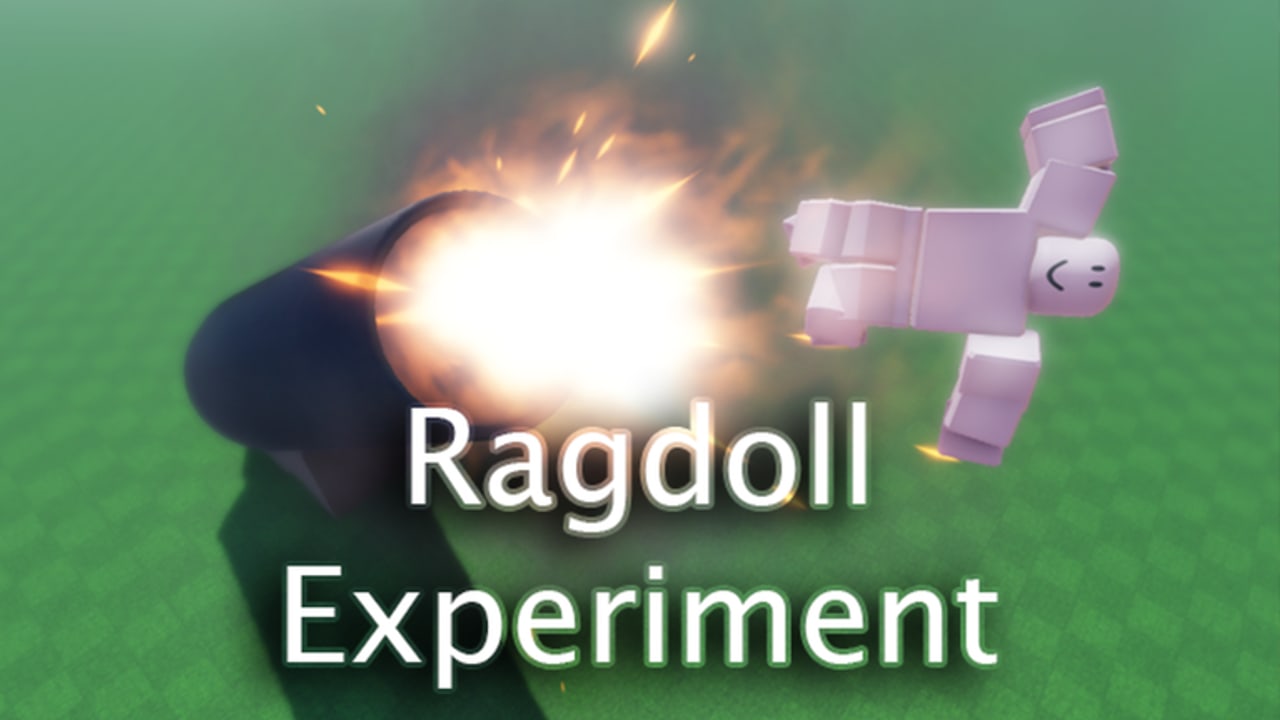
Every meaningful play in Ragdoll Experiment flows through two custom actions on top of normal Roblox movement: ragdoll and sprint. Learn them cold and the sandbox opens up. Mash them without a plan and the physics engine will punish you faster than any opponent. This guide covers PC keys, mobile buttons, how the two inputs interact, recovery habits, and the mistakes that end sessions early.
If you have not finished onboarding yet, skim Getting Started first, then return here for depth.
Core inputs
| Action | PC | Mobile | Notes |
|---|---|---|---|
| Ragdoll toggle | R | On-screen ragdoll button | Goes limp / recovers when toggled again |
| Sprint | X | On-screen sprint button | Adds burst speed; release early near edges |
| Move | WASD / defaults | Virtual joystick | Standard Roblox locomotion |
| Camera | Mouse | Touch drag | Precision matters on thin platforms |
| Jump | Space / default | Jump button | Combine with sprint carefully |
Avatars use MorphToR15, so limb flop during ragdoll follows R15 body physics. There is no separate advanced “finisher” key documented for this place—depth comes from when you press R and X, not from a hidden combo list.
How ragdoll (R) actually helps
Ragdoll is not a stun you cast on others; it is a state change on you. Pressing R lets the physics simulation take over your body. Useful patterns:
- Soft landing. If you are falling with bad orientation, ragdolling can redistribute impact instead of sticking a stiff landing that bounces you off a platform.
- Slippery disengage. Going limp mid-shove can slide you out of a pile-up when standing still would keep you in melee range.
- Obstacle rides. Some ramps and movers fling a limp body farther or safer than a stiff sprint. Practice those lines on the Obstacles page.
- Reset feel. If your avatar feels stuck in a weird pose after a collision, toggling ragdoll off (and on again if needed) helps you reclaim control.
Bad patterns:
- Ragdolling at the start of a sprint across a narrow beam with no landing zone.
- Spamming R in open flat PVP hoping it “does damage.” It does not replace positioning.
- Ragdolling while voice-calling a plan you cannot see—look first, then limp.
How sprint (X) should be used
Sprint is a commitment. Hold X to close distance, escape a bad angle, or build speed into a known jump. Release early enough to turn, stop, or ragdoll with intent.
Close gap: Sprint in a straight line toward a committed opponent, then release and adjust camera before contact.
Escape: Sprint perpendicular to the pile, not deeper into the hazard that caused the pile.
Setup for ragdoll: A short sprint into a ramp, release, jump, then R at the crest is a common “launch” pattern once you know the geometry.
Never treat sprint as a permanent run speed. Continuous holding is how players yeet themselves off map props they could have walked.
Mobile-specific advice
Mobile already shows on-screen buttons for ragdoll and sprint. Prioritize:
- Thumb layout. Keep movement on one thumb and make ragdoll / sprint reachable without covering the camera drag zone.
- Larger margins. Assume your tap is 100–200 ms slower than a keyboard tap when judging ledge sprints.
- One action at a time while learning. Practice sprint-only runs, then ragdoll-only falls, then combine.
- Portrait vs landscape. Landscape usually gives better camera arcs for reading obstacles; use what keeps buttons from overlapping the fight.
If a button feels unresponsive, check that another UI element is not eating touches, and confirm you are in the correct LUMPYCRAIGONIAN place—not a different ragdoll game with different binds.
PC-specific advice
Keyboard players should keep fingers resting near R and X without abandoning WASD. Useful habits:
- Tap R deliberately; avoid resting on the key.
- Use short X pulses for camera-aligned bursts instead of long holds.
- Rebind only if Roblox user settings make R or X awkward on your layout—and then re-practice muscle memory before ranked-feeling PVP.
Mouse camera control is your advantage on thin beams. Peek with small mouse movements before committing sprint.
Combining movement, jump, ragdoll, and sprint
A simple training circuit (works in empty servers):
- Walk a rectangle on flat ground.
- Add sprint along the long sides only.
- Add a jump at each corner without sprint.
- Add a mid-air ragdoll on one side, recover before the next corner.
- Add a sprint-into-jump-into-ragdoll on the final side toward a soft landing zone.
Repeat until recoveries are boring. Boring means ready for PVP & Combat.
Voice chat and controls
Spatial Voice Chat does not change keybinds, but it changes attention. Looking down at chat or adjusting mic settings mid-sprint is a classic way to miss a ledge. Set voice preferences before a fight block. If you call “ragdolling now” for teammates, press R after the call so your body language matches your words.
Server size and input patience
Servers cap at 25 players. In a full room, latency and pile-ups make precise R taps harder. Do not spam inputs to “catch up.” Wait a beat after a collision so you can see whether you are already limp, already airborne, or clipped in geometry. Over-inputting during rubberbanding makes recoveries worse.
Common control mistakes checklist
- Holding sprint into unknown drops
- Ragdolling with no exit vector
- Fighting the recovery by mashing move keys before the body settles
- Forgetting mobile buttons exist and hunting for keyboard overlays
- Blaming “broken controls” when you are actually in a different ragdoll experience
Related guides
- Getting Started — first-session checklist and expectations
- PVP & Combat — when to ragdoll or sprint during fights
- Obstacles & Map Tips — geometry that rewards clean inputs
- Guides Hub — full tutorial index
- Updates — known update window for this place
Own R and X on your device, and every other system in Ragdoll Experiment becomes a decision about timing instead of a struggle with the keyboard or touch screen.
Frequently Asked Questions
Quick answers for Ragdoll Experiment on Roblox.
What key ragdolls in Ragdoll Experiment?
Press R on PC to toggle ragdoll. On mobile, use the on-screen ragdoll button. Toggle again to recover control when the physics allow.
What key sprints?
Press X on PC to sprint. Mobile players use the on-screen sprint button. Release early near edges so you can turn or stop.
Are there more special keybinds?
The signature custom actions documented for this place are ragdoll and sprint. Otherwise use standard Roblox movement, jump, and camera controls.
Why do I keep falling off after sprinting?
You are likely holding sprint too long. Pulse sprint, release to regain turning, and practice braking on flat ground before attempting narrow platforms.
Does MorphToR15 change controls?
It changes how your body flops during ragdoll, not which buttons you press. Learn timing with your R15 avatar rather than expecting R6-style flop patterns.